
Spyder Mosaic
One synced Mac canvas, spanned across two Spyder inputs.
Free to use. Built and shared by Convergence Production Group. Tell us a little about yourself and your download starts right after. If it helps on a show, there’s a buy-us-a-coffee option on the next page.
Download for Windows →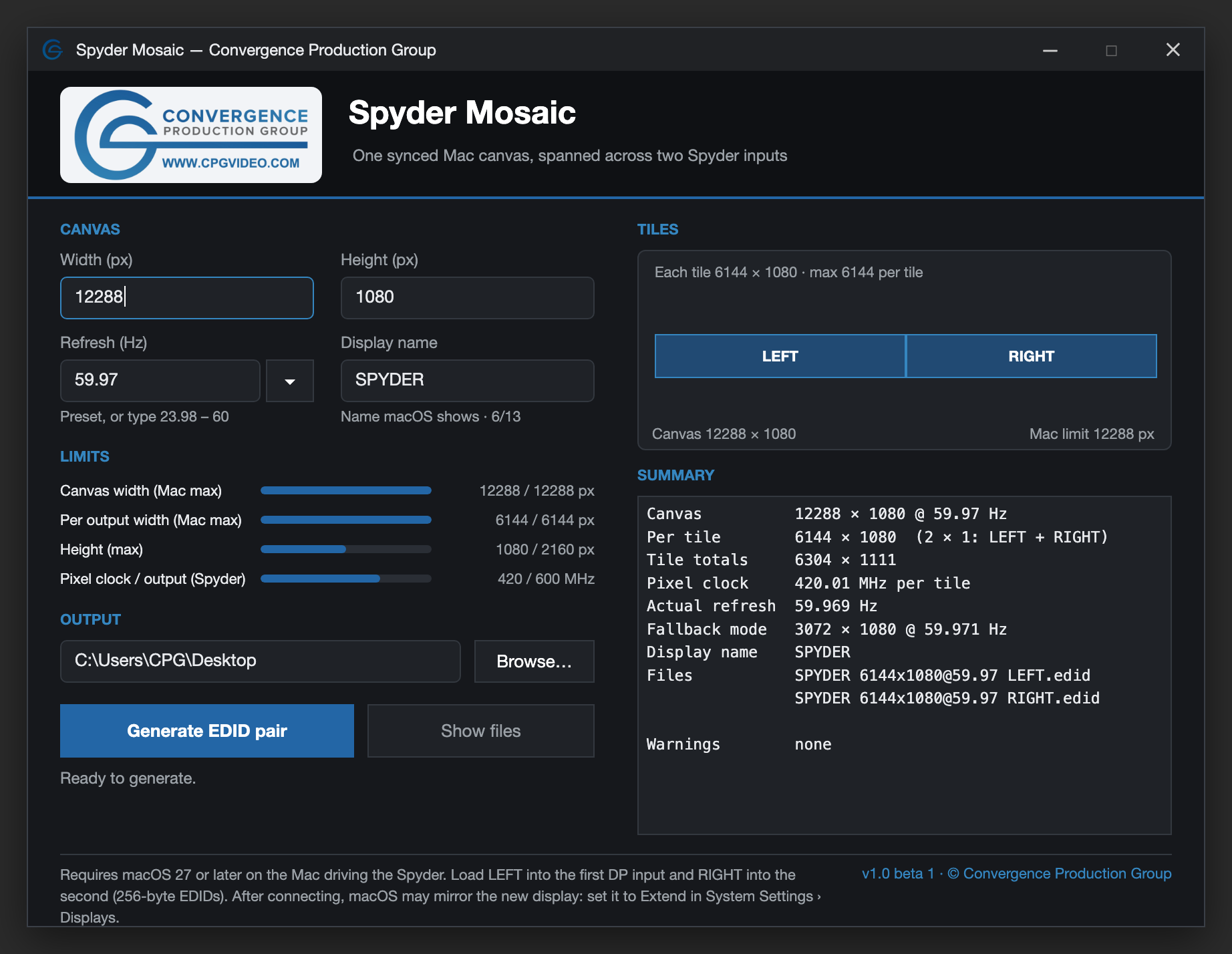
A hidden macOS trick, made easy.
macOS has a hidden trick: it can join two outputs into one tiled display, but only when the display asks for it the right way. Spyder Mosaic brings that to the Spyder X80.
Enter your canvas size, refresh rate and display name, and it generates a matched LEFT / RIGHT pair of tiled EDIDs. Load them into the Spyder’s two DP inputs, and the Mac treats both outputs as one synced canvas (with the right TB-Dual DP Dongle). It’s built into macOS, so there’s nothing extra to install on the Mac.
- Canvases up to 12288 × 2160, with 6144 px per output
- Standard rates from 23.98 to 60 Hz
- Live limit checks for canvas, output width and pixel clock
- Your own display name, shown right in macOS
Runs on Windows 10 and 11 just like Spyder Studio.
Get Spyder Mosaic.
Free for Windows 10 and 11. Fill in the short form below and your download starts automatically.